Checklists
Clear tasks, consistent processes.
Create clear task lists, guide employees step by step on what to do during a shift and check the results immediately.
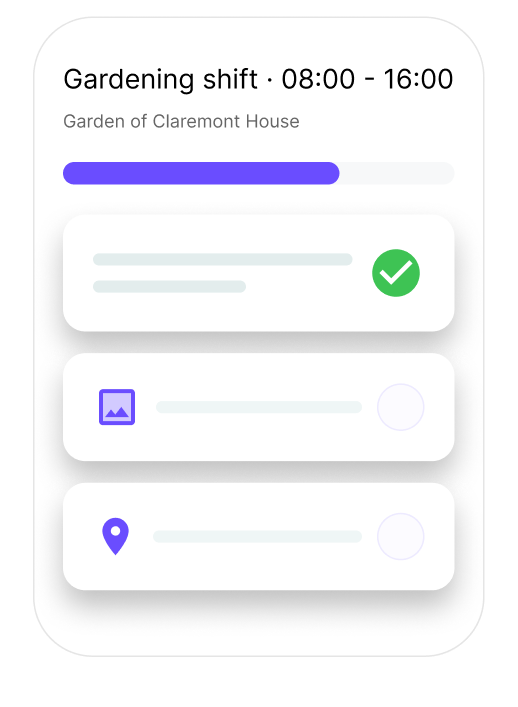
Checklists
Create clear task lists, guide employees step by step on what to do during a shift and check the results immediately.
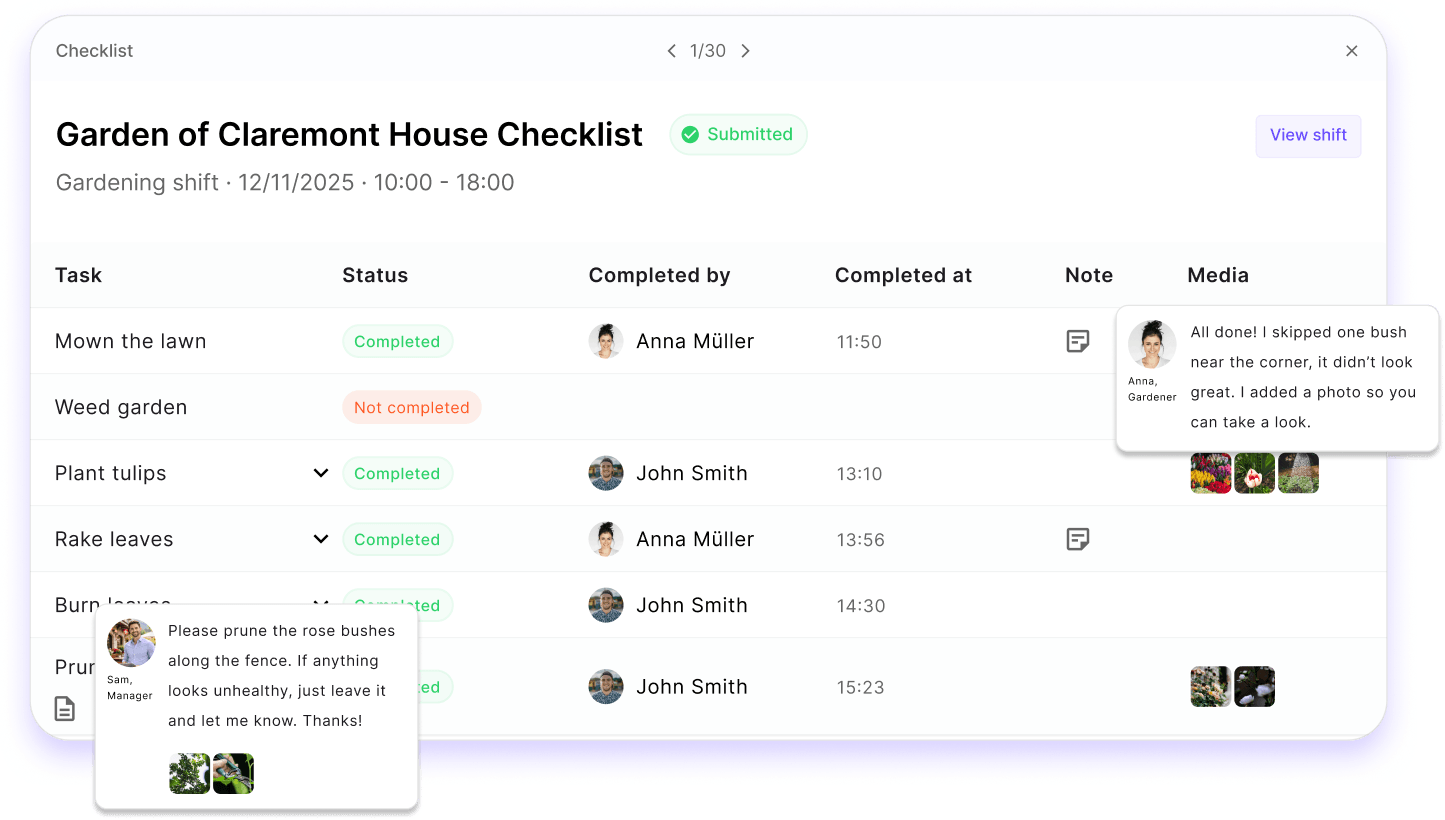
Shift checklists help teams execute each shift with clarity and confidence. Managers create task lists on the web, assign them to shifts, and employees complete them step-by-step on their phones.
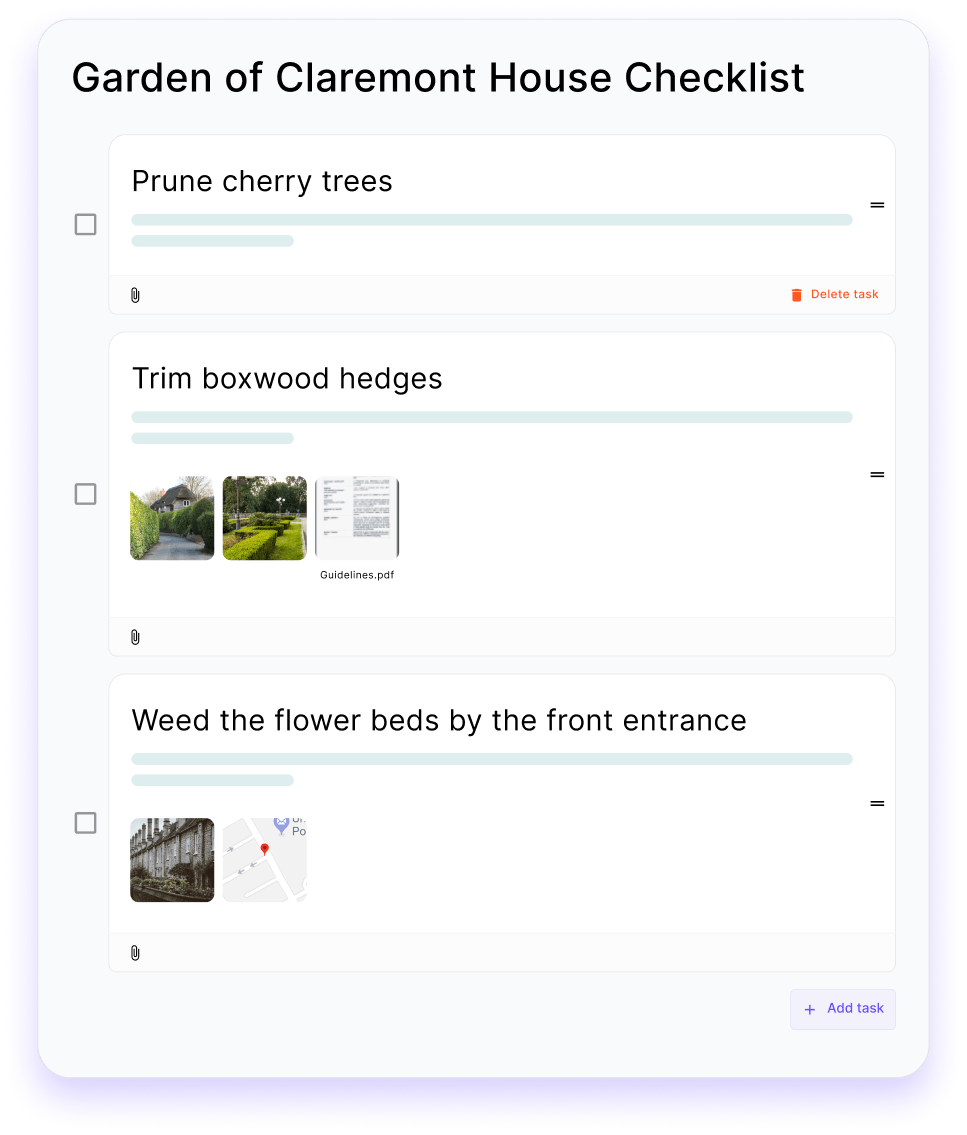
Step 1
Create the exact checklist your team needs for each shift, with tasks, descriptions and helpful details.
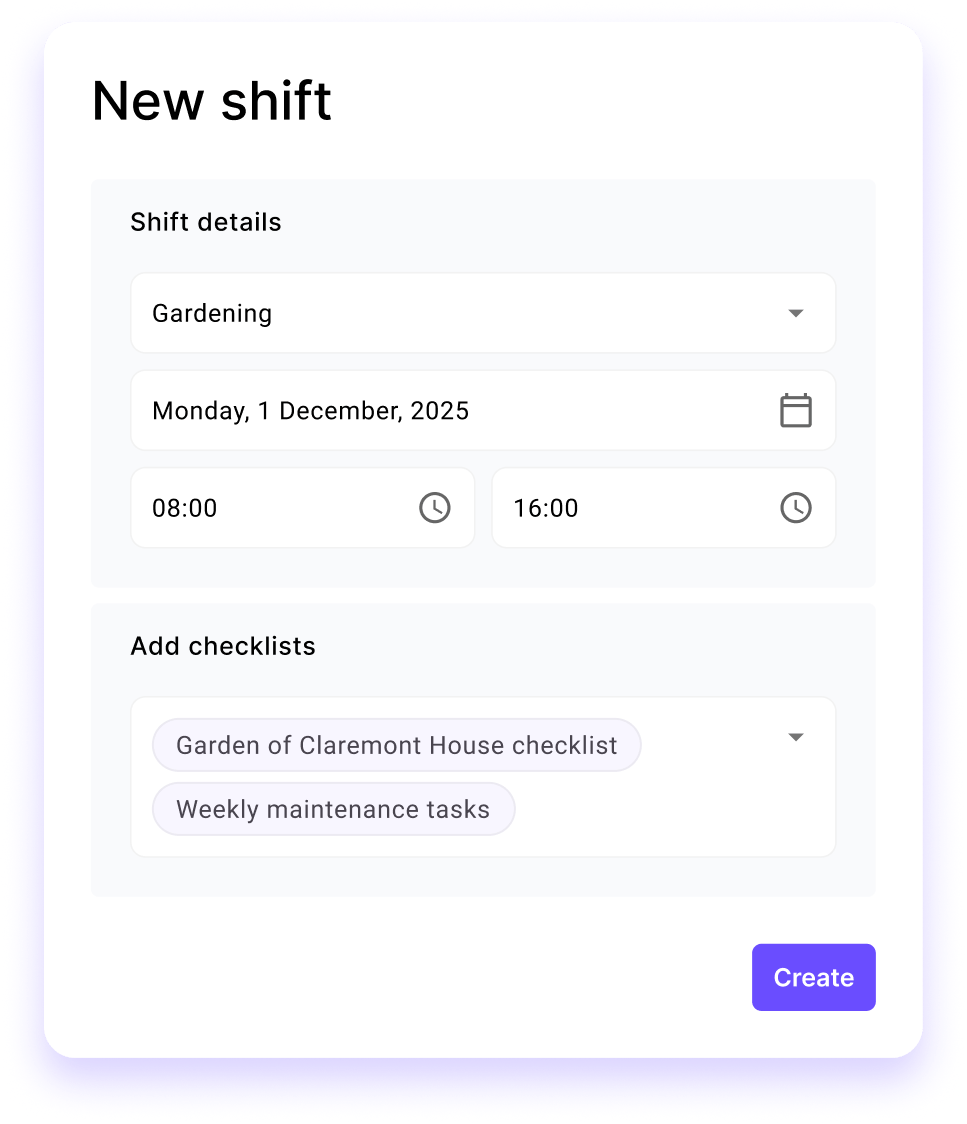
Step 2
During planning, add one or more checklists to a shift so that the right tasks are always included.
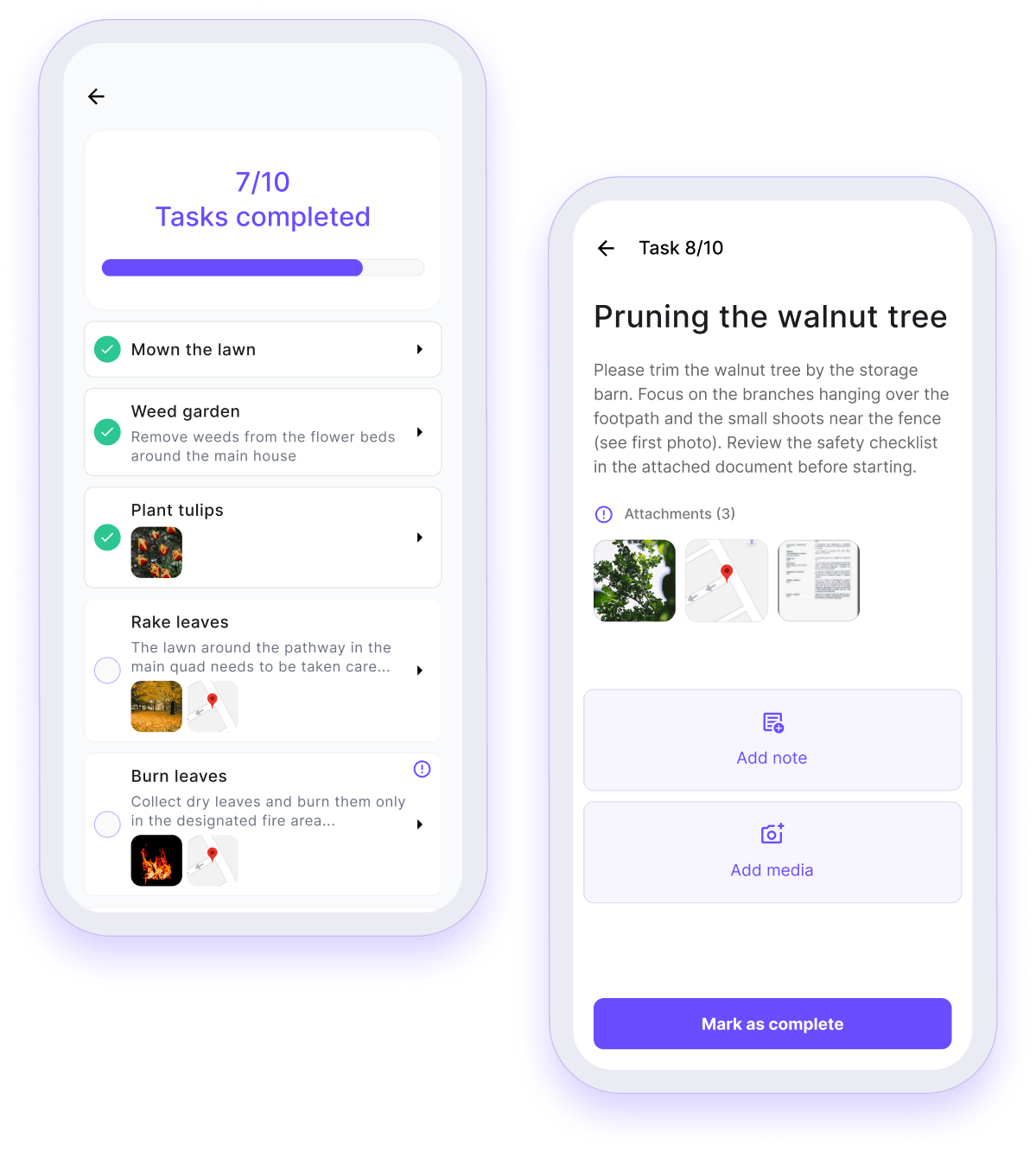
Step 3
Employees see their checklist at the start of the shift and complete the tasks one by one, exactly as specified by the managers.
Step 4
Managers can track progress in real time and confirm that the shift has been completed correctly.

Shift checklists keep your branch running with clear tasks, guided workflows and verified results.
Squadra offers you even more options to simplify your workflow.
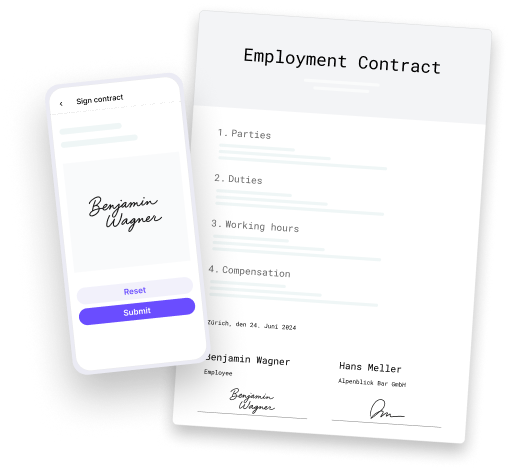
Automatically generate PDF contracts with employee data and have them signed in the app.
Learn more
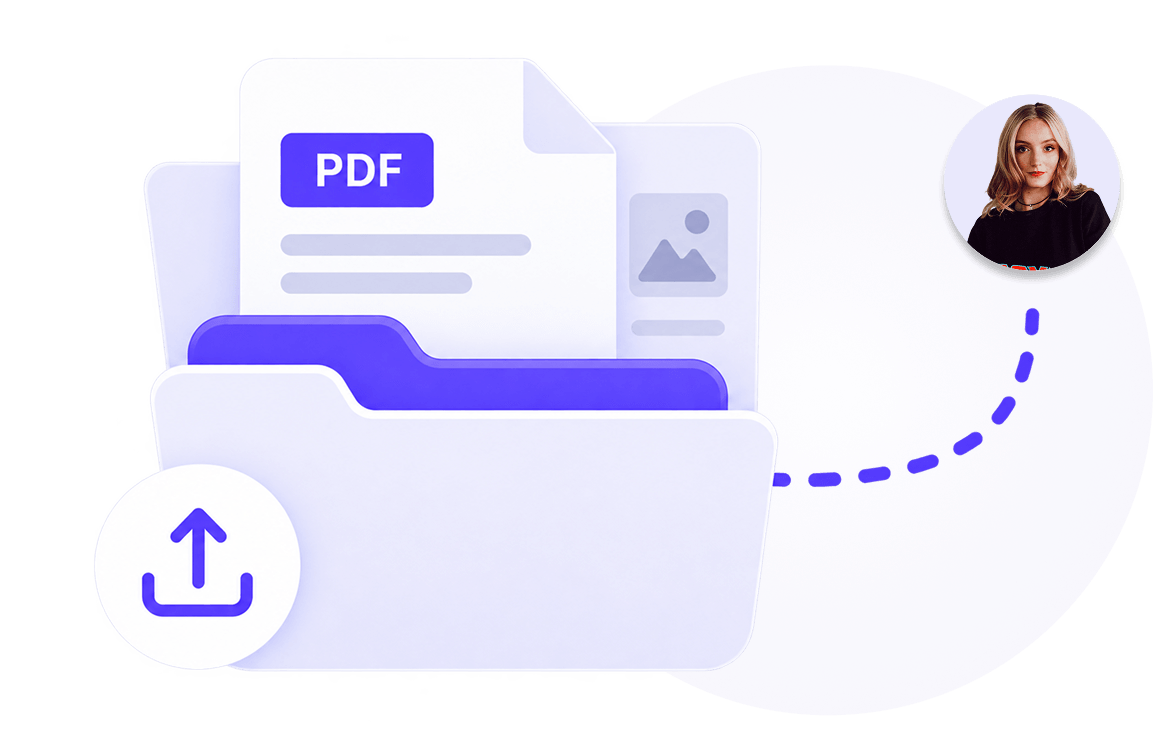
Manage documents centrally and share them selectively with employees.
Learn more

Publish vacancies, collect applications and hire faster and with less administration.
Learn more
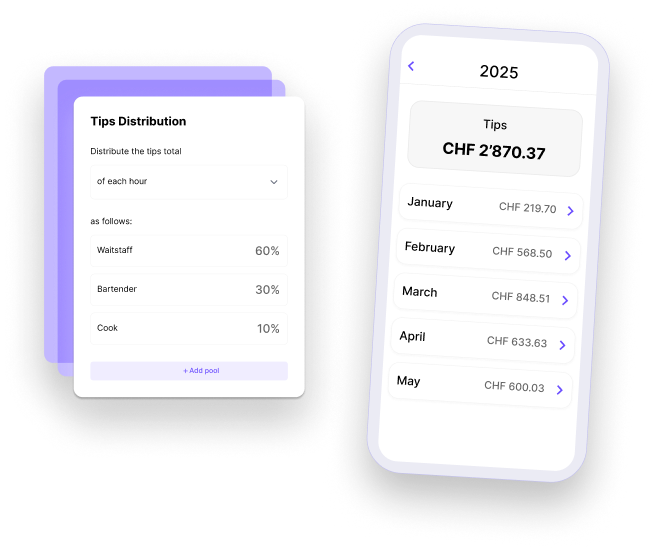
Distribute tips accurately and fairly.
Learn more
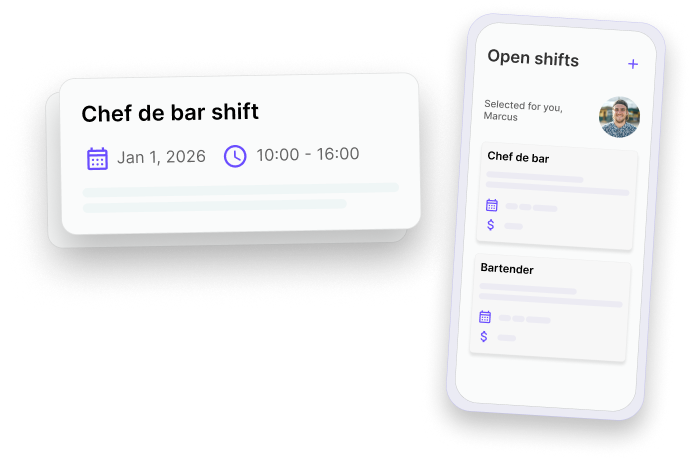
Fill gaps in the schedule quickly and give your employees the opportunity to take on additional shifts.
Learn more

Allow your employees to swap shifts - with just one click for approval by their supervisor.
Learn more
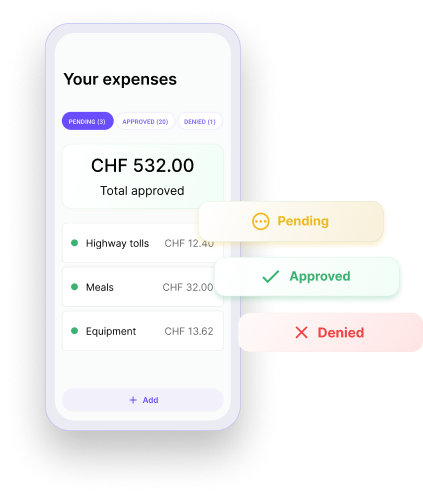
Check and approve expenses submitted by employees directly in the app.
Learn more

Keep everyone involved in the loop. Messages centralizes team communication so that updates are clear, announcements reach the right people and work stays organized. All within Squadra.
Learn more