Expenditure
Reimbursement of personnel costs sorted in seconds.
Make it easy for your employees to claim expenses, and make it even easier for you to track, visualize and get a complete overview of cash flow.

Expenditure
Make it easy for your employees to claim expenses, and make it even easier for you to track, visualize and get a complete overview of cash flow.
Employees submit their expenses directly in the app, and you stay in control with custom rules, receipt tracking and easy approvals.

Step 1
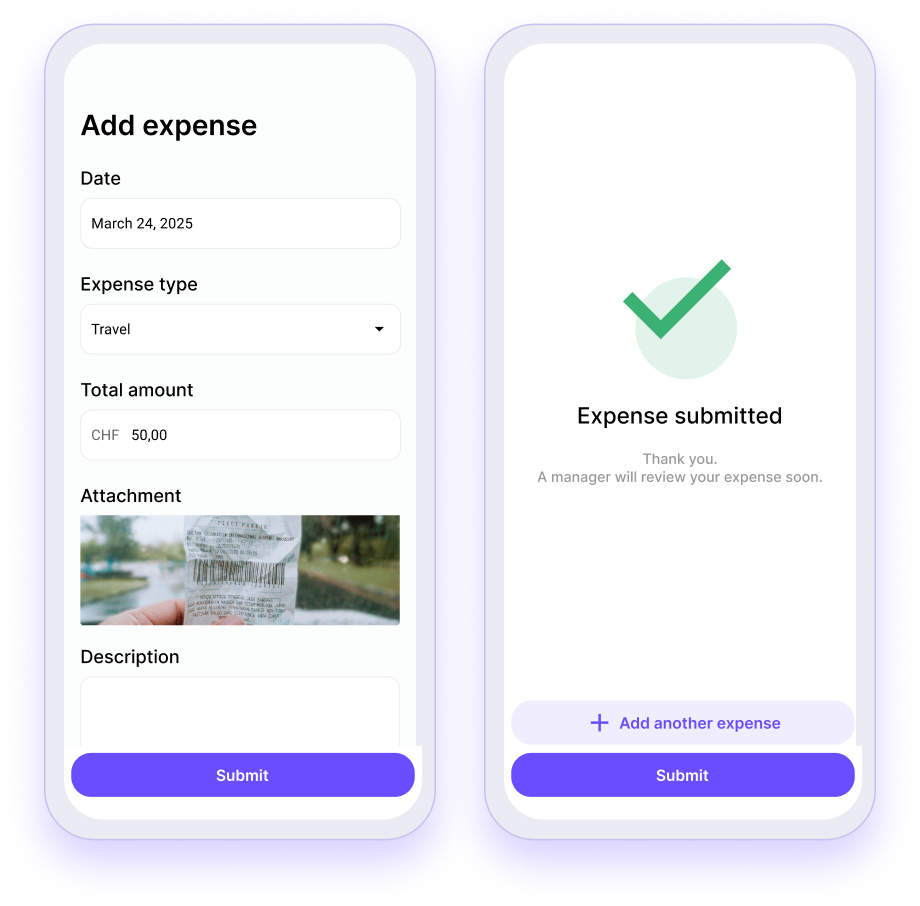
Managers can create custom expense types, set limits and require receipts so employees know exactly what is covered and what is not.
Step 2
Employees can submit expenses directly in the app, right at the end of a shift or later, and link them to the corresponding shift if required.
Step 3
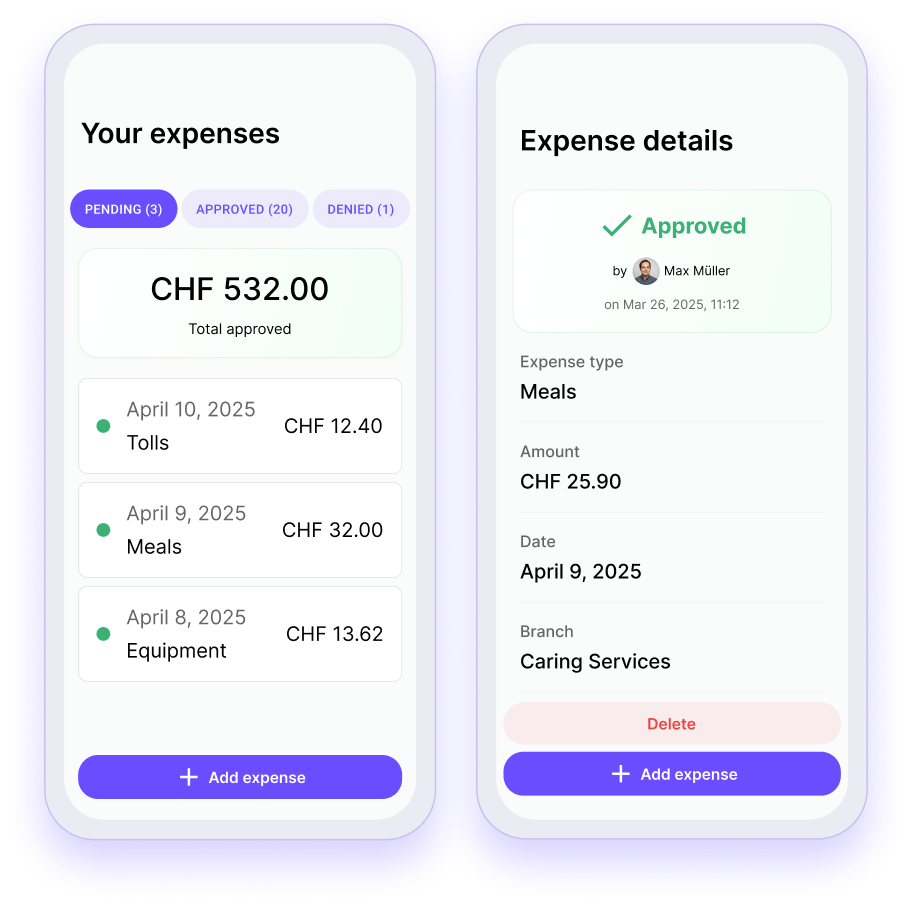
Give your team a clear overview of the reimbursement status so they don't have to follow up or ask for updates.
Step 4
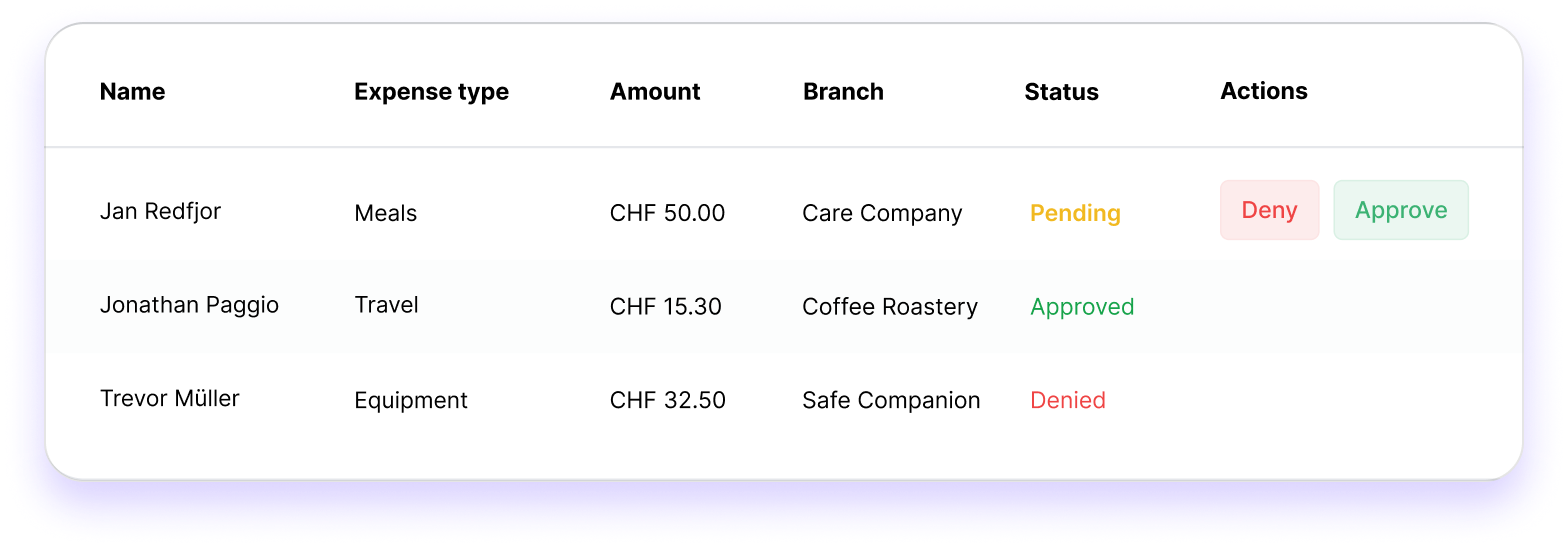
See every submission in one place and approve, reject or request changes with a single click. No back and forth, no spreadsheets.

Make it easy for your employees to receive reimbursements while you manage everything with clear rules, simple approvals and no manual work.
Squadra offers you even more options to simplify your workflow.
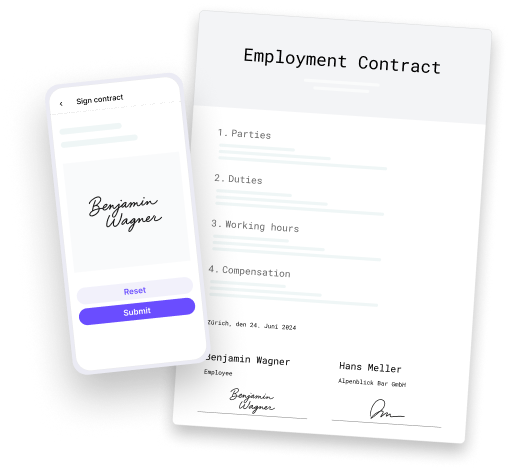
Automatically generate PDF contracts with employee data and have them signed in the app.
Learn more
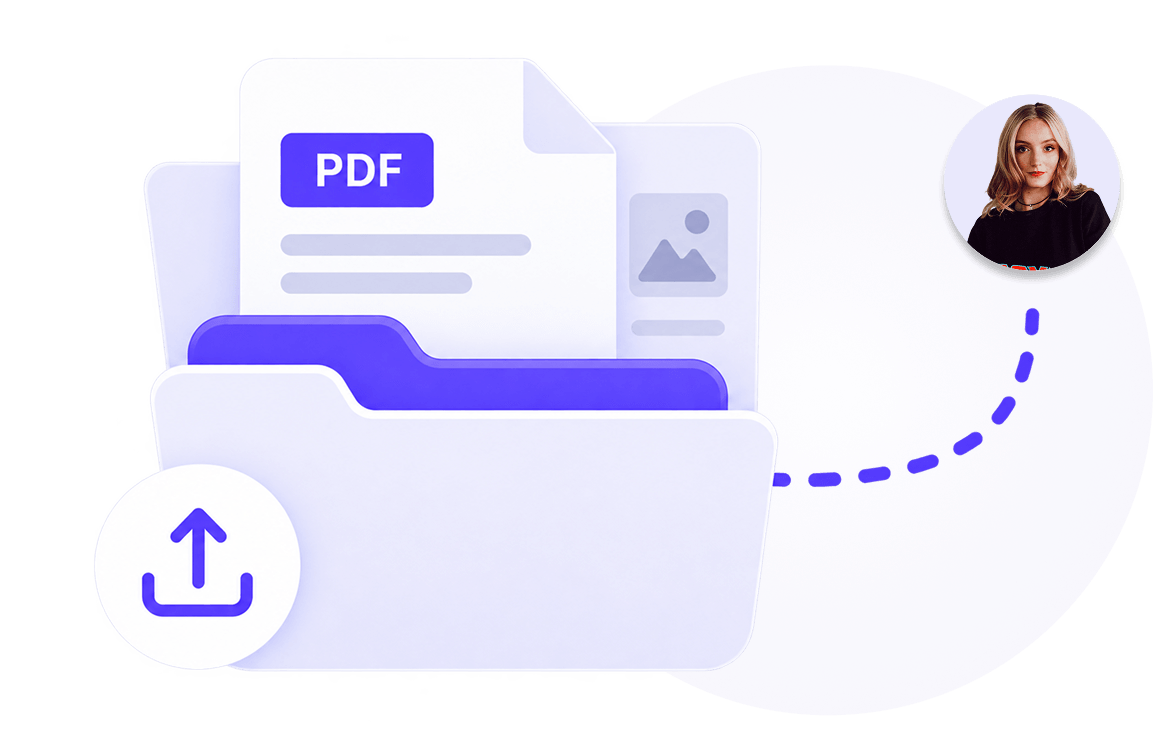
Manage documents centrally and share them selectively with employees.
Learn more

Publish vacancies, collect applications and hire faster and with less administration.
Learn more
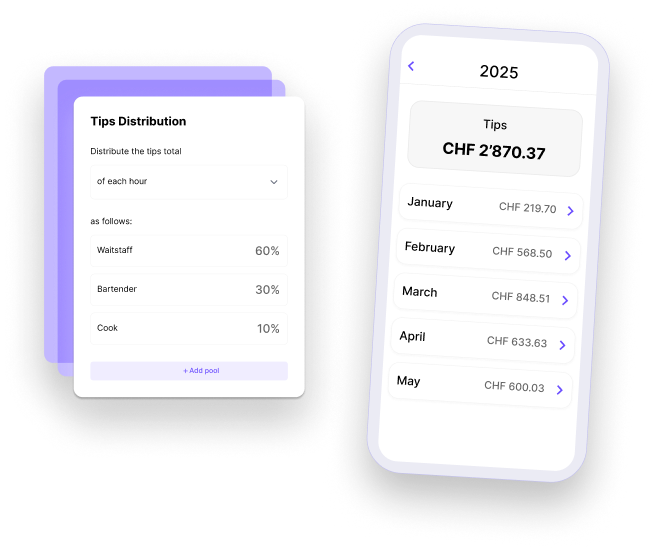
Distribute tips accurately and fairly.
Learn more
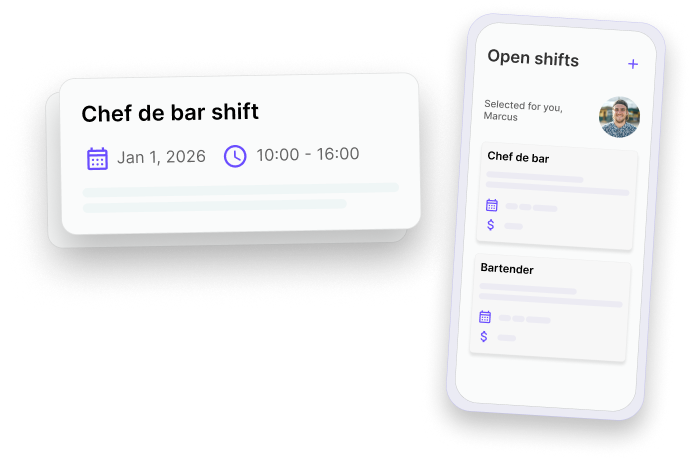
Fill gaps in the schedule quickly and give your employees the opportunity to take on additional shifts.
Learn more

Allow your employees to swap shifts - with just one click for approval by their supervisor.
Learn more

Keep everyone involved in the loop. Messages centralizes team communication so that updates are clear, announcements reach the right people and work stays organized. All within Squadra.
Learn more
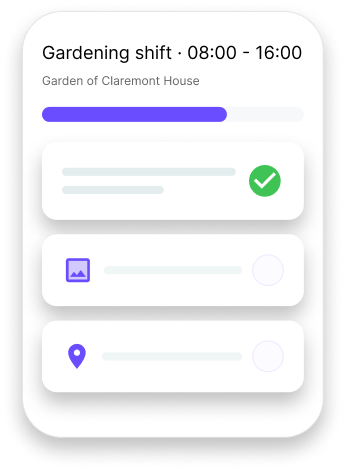
Make shifts to clear, understandable work - with structured tasks and shared context.
Learn more