Shifts Swaps
You never have to chase a new shift again.
With smart swap rules and one-click approvals, you can give your team the flexibility they need while keeping your schedule under control.
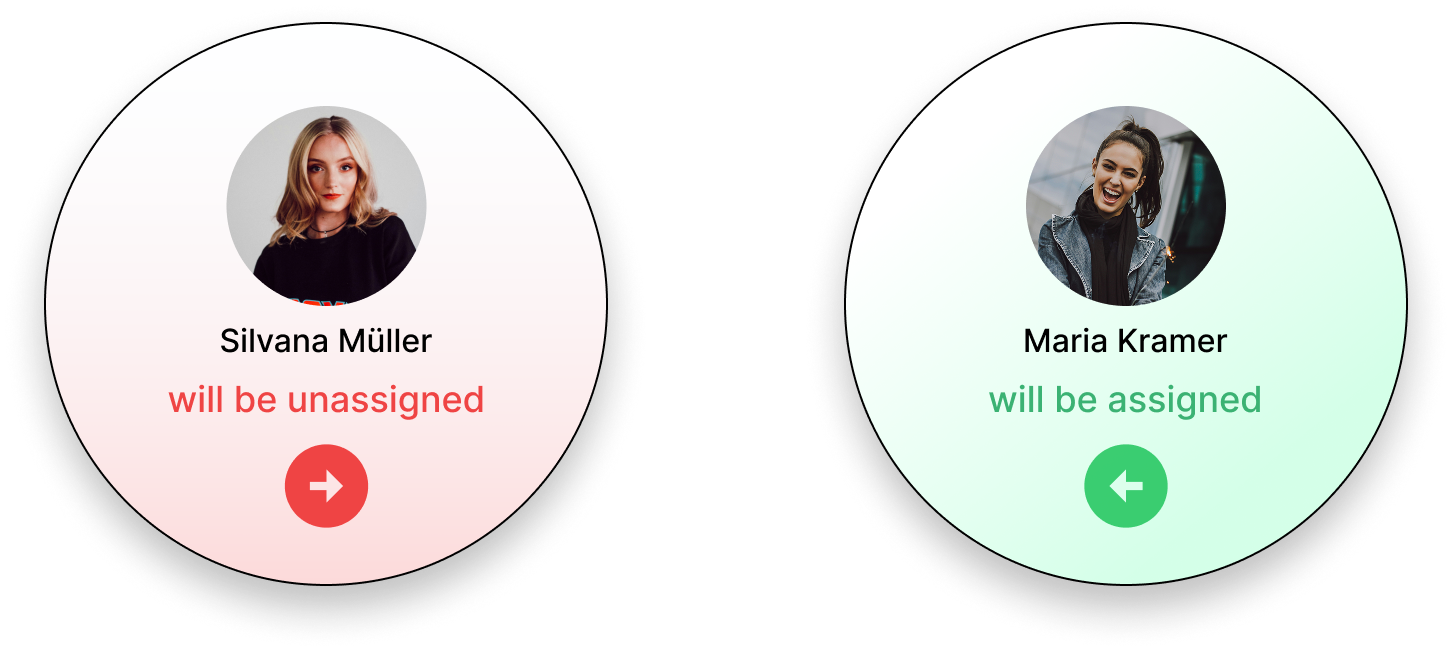
Shifts Swaps
With smart swap rules and one-click approvals, you can give your team the flexibility they need while keeping your schedule under control.
With shift swaps, employees can initiate shift changes, but only within the parameters you set, so you maximize both coverage and control.

Step 1
Define who can swap shifts, how far in advance requests must be received and when quotes should be automatically rejected so you can avoid last-minute gaps and stay in control.

Step 2
Employees use the Squadra app to select the shifts they want to give away, add a note if required and publish the offer with just a few taps, saving time for everyone involved.

Step 3
The app automatically displays swap offers for employees who are available and, if you wish, also matches the role and qualification requirements for the shift. This way you only receive valid applications without manual filtering.
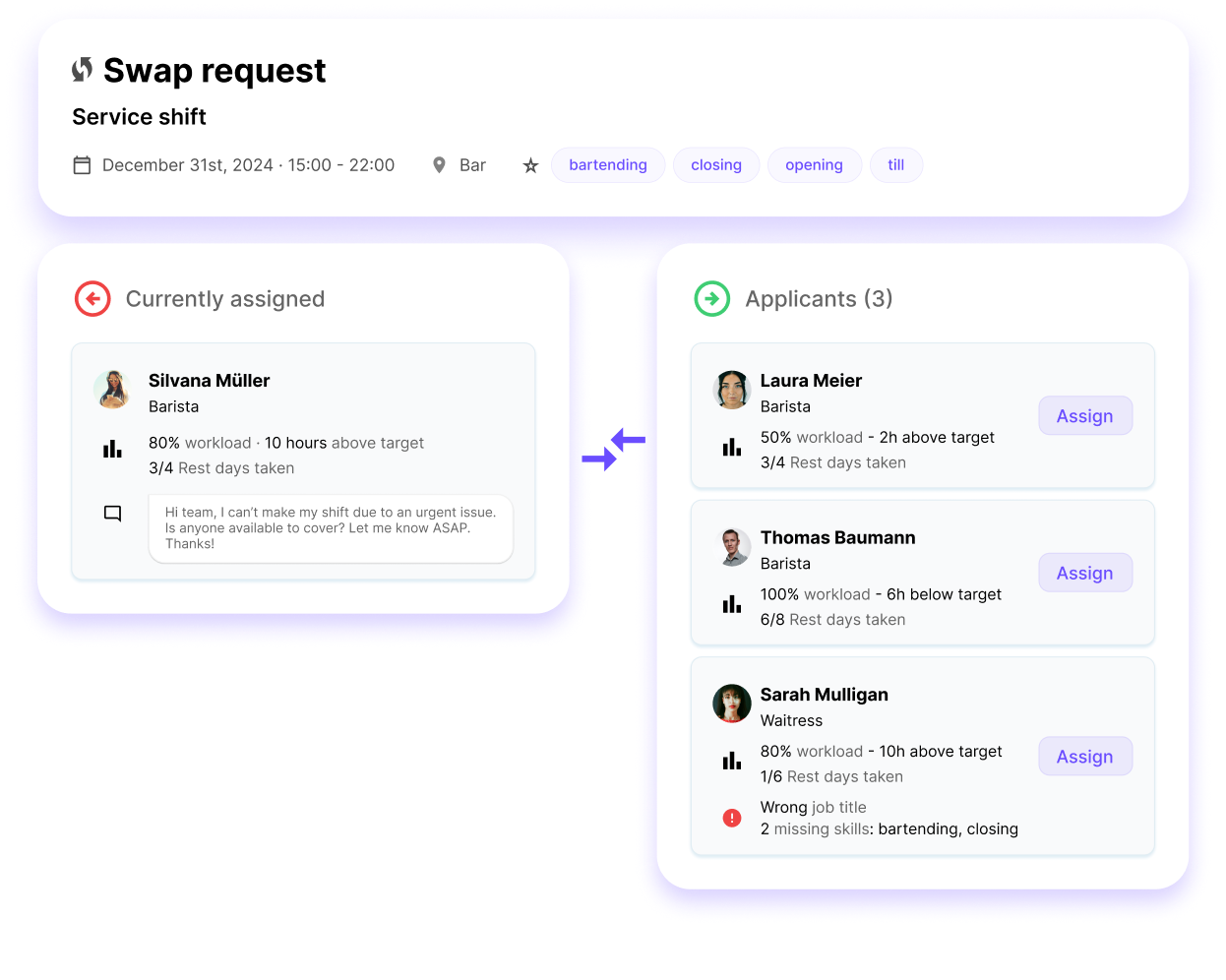
Step 4
View the exchange offers, check the candidates and make a selection with one click. Squadra automatically takes care of notifications and schedule updates.

With Shift Swaps, you enable your employees to solve planning problems independently, while you retain full control and supervision.
Squadra offers you even more options to simplify your workflow.
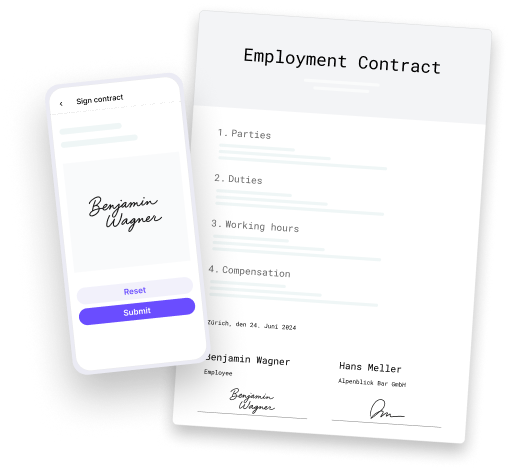
Automatically generate PDF contracts with employee data and have them signed in the app.
Learn more
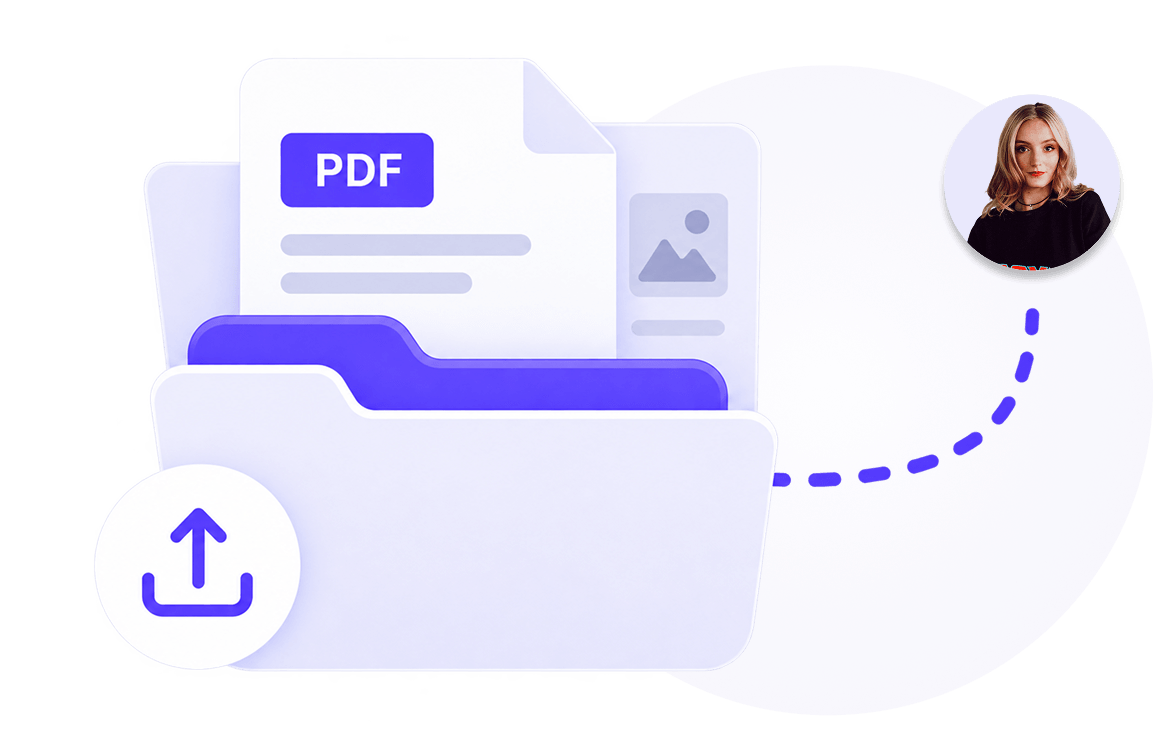
Manage documents centrally and share them selectively with employees.
Learn more

Publish vacancies, collect applications and hire faster and with less administration.
Learn more
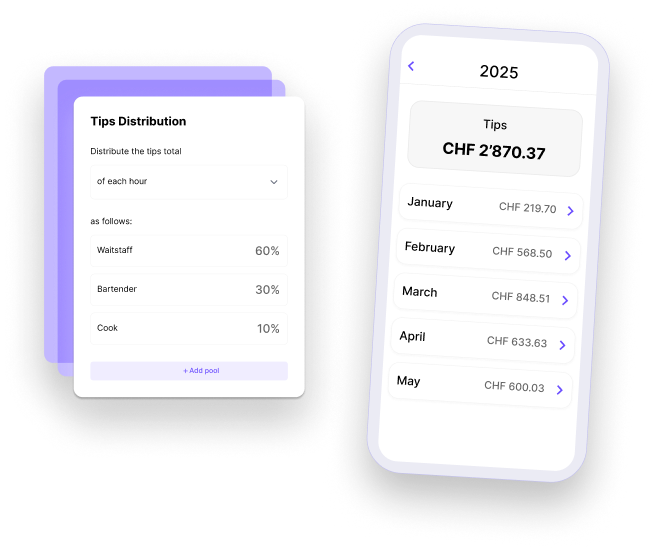
Distribute tips accurately and fairly.
Learn more
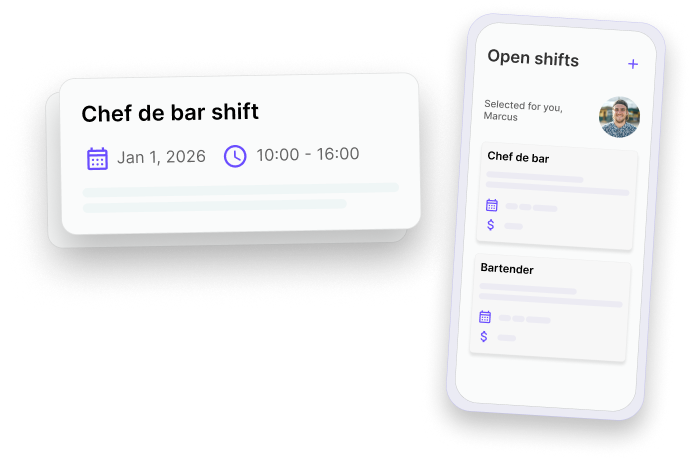
Fill gaps in the schedule quickly and give your employees the opportunity to take on additional shifts.
Learn more
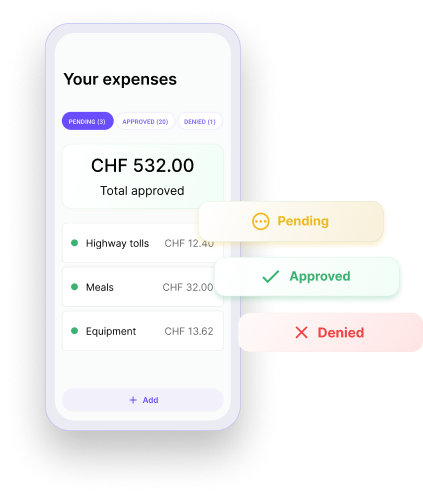
Check and approve expenses submitted by employees directly in the app.
Learn more

Keep everyone involved in the loop. Messages centralizes team communication so that updates are clear, announcements reach the right people and work stays organized. All within Squadra.
Learn more
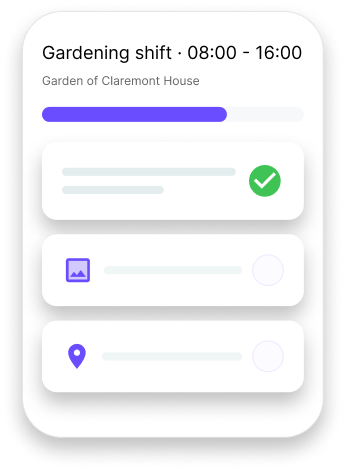
Make shifts to clear, understandable work - with structured tasks and shared context.
Learn more